Write it together. Read it from any screen. Let it follow your voice — or drive it from your hand, under your foot, or across the room.

You look up.
The words are already there.
Get the highlights.
-
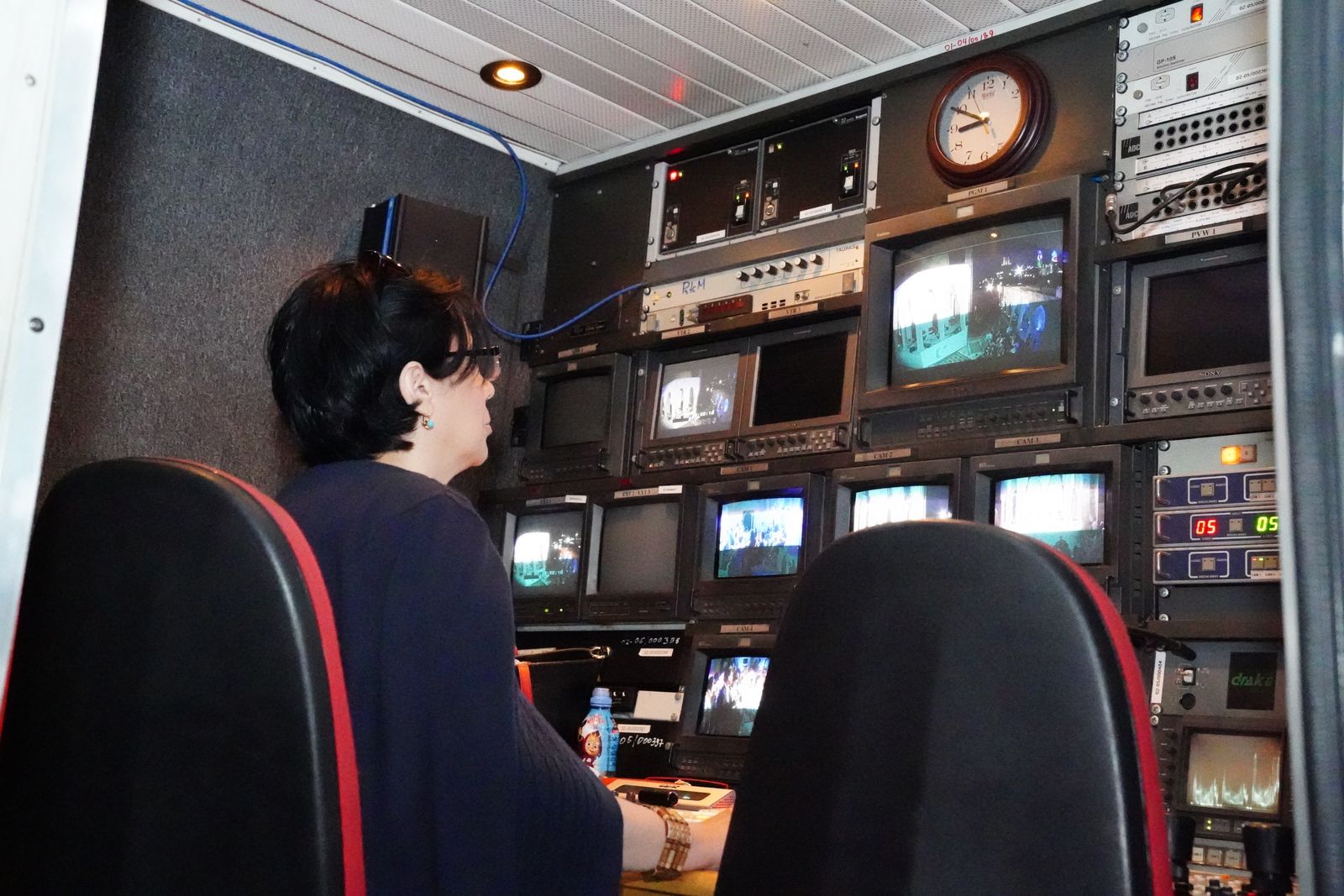
Write together, live. See every collaborator's cursor as the script takes shape — even while it's rolling.
-
Read from any screen. Mirror for beam-splitter glass, flip for overhead rigs, or send a clean feed to a TV across the room.
-
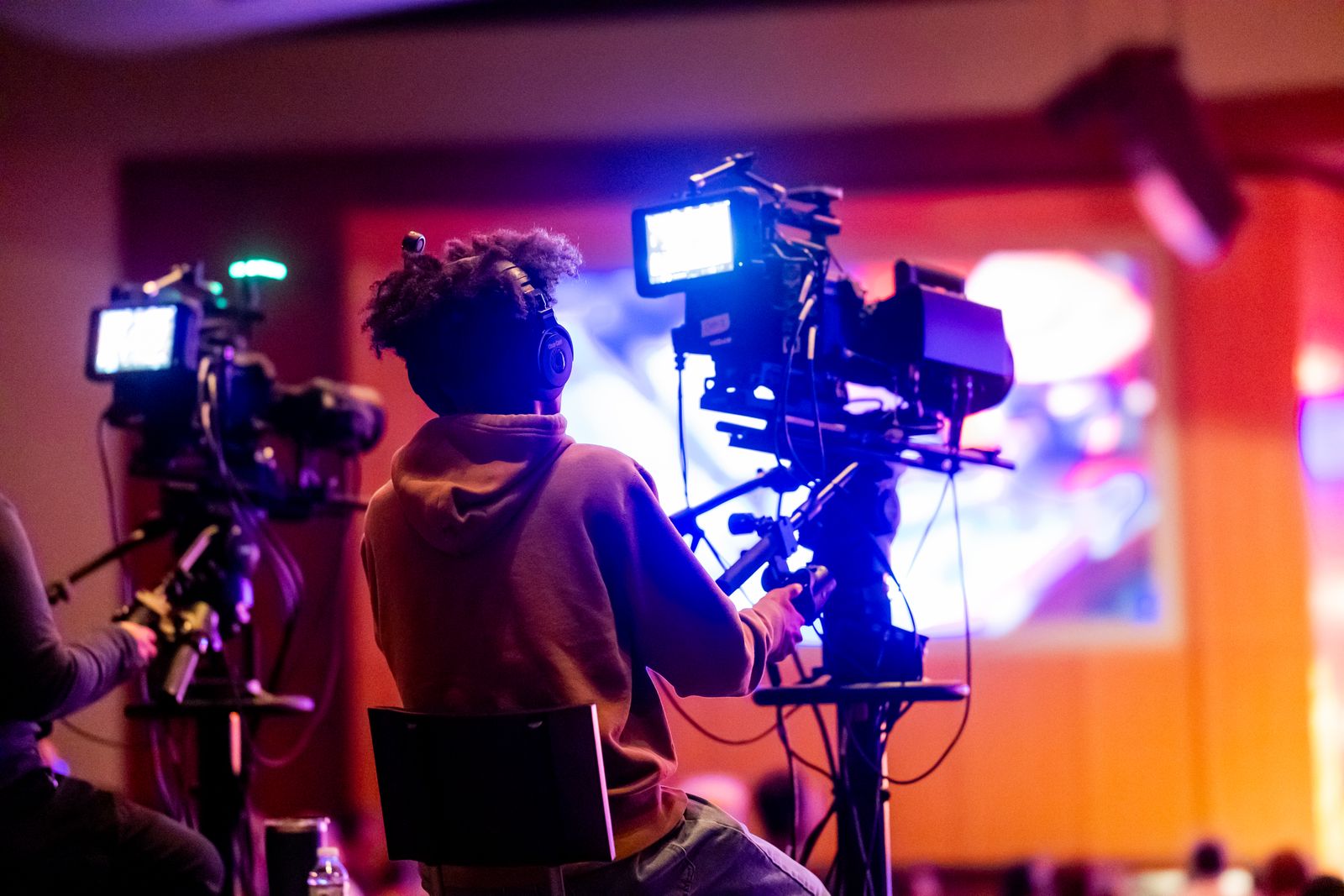
Control from anywhere. Your phone, a foot pedal or a keyboard keeps pace with you.
-
Always in sync. Start on your Mac, rehearse on iPad, follow along on iPhone — every screen on the same line.
Try it right here
Press play.
Then read it out loud.
The same prompter that runs in the app — and the same controls.
Click the text to play or pause, or drag it to scroll.Tap the text to play or pause. Every button on the screen works.
Take a closer look.
Hidden from screen share
Write
Your script.
Everyone's ideas.
Draft, edit and organize scripts in folders. Invite a co-host or producer and watch changes appear live, with everyone's cursor right where they're working — even while the prompter is rolling.
Live collaboration
Edits land instantly on every device in the room.
Folders
Keep every episode, keynote and take neatly organized.
Rich formatting
Bold, underline and color that read clearly at a glance.
Present
Smooth as the
way you speak.
Speed
Buttery scrolling.
Text glides at a steady, frame-perfect pace. Nudge it faster or slower without breaking stride.
Type
Your look, everywhere.
Font, size and colors carry across every script — or save a custom look with just one.
Rig
Built for the glass.
Mirror and flip for beam-splitter glass, confidence monitors and vertical setups.
Focus
Only the line that matters.
Edge fade lets the script drift in and out of view, so the line on the cue holds your eye. Set how deep it fades at the top and bottom.
Follow
It listens.
You lead.
Voice follow scrolls as you speak, word by word. Go off script and it holds your place until you're back. A tap, a key or a pedal always overrides it — and it all runs on your device, so nothing you say leaves it.
Holds on ad-libs
Tell a story, take a question — it waits on the next line you planned.
You always win
Any remote, key or pedal takes over instantly. No fighting the machine.
Private by design
Speech is recognized on your device. It works offline, too.
Control
Run the show
from anywhere.
Go ahead — tap the phone. It's driving the Mac.
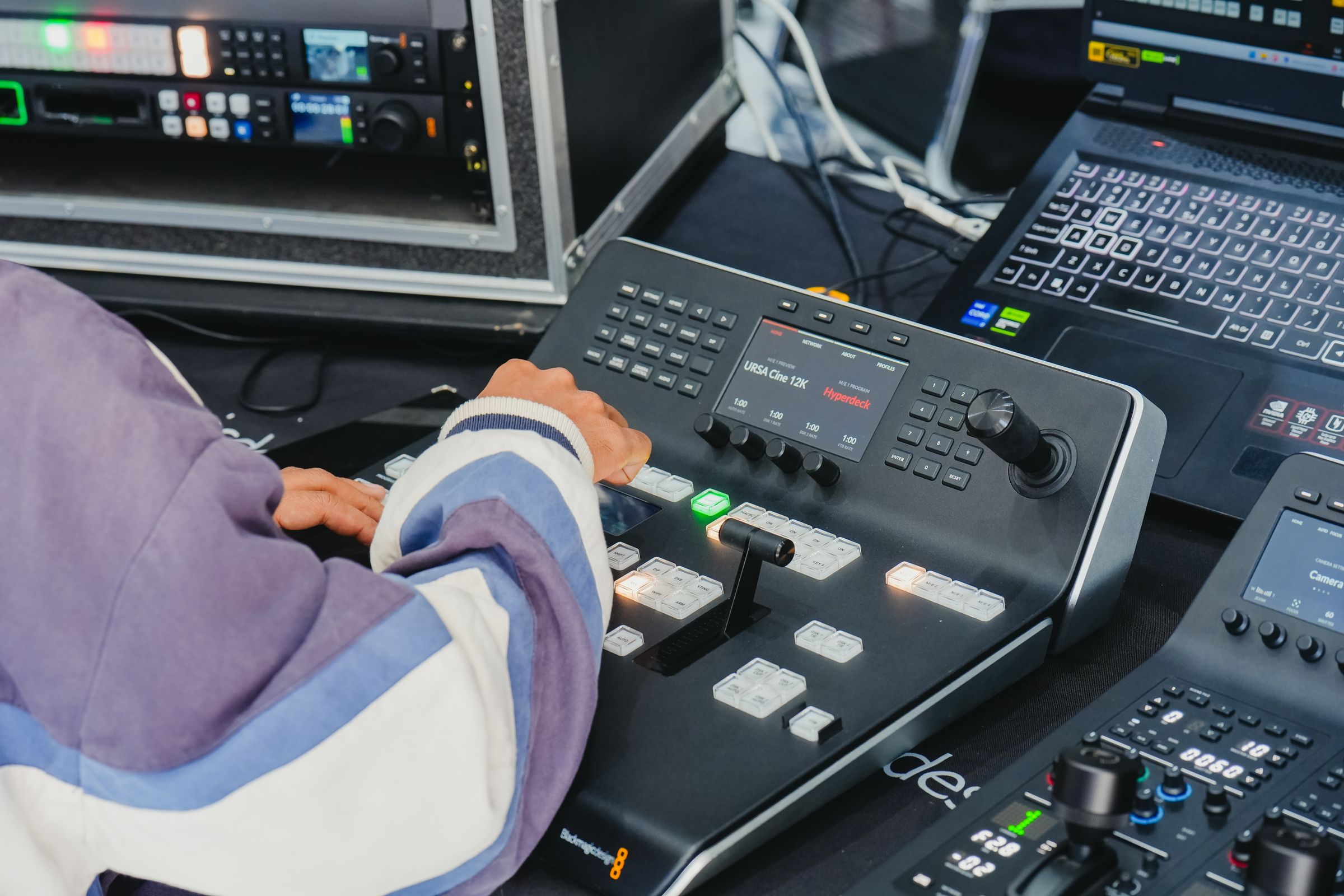
Pair a phone or tablet in seconds, scan a QR code to open a remote in any browser, or keep your hands free with foot pedals, keyboards and media keys. Every device sees what the prompter sees.
Control Center
Monitor and drive every signed-in device from one place.
Web remote
Any phone on your Wi-Fi becomes a remote. No app required.
Pedals & keys
Assign play, pause, speed and jump to the hardware you already own.
Run of show
Every segment, on time.
Break a show into segments, jump to any one from a remote or pedal, and watch the clock tell you exactly how far over or under you are. Producers can flash a cue — "30 seconds", "wrap up" — straight to the talent's screen.
Made for every stage.
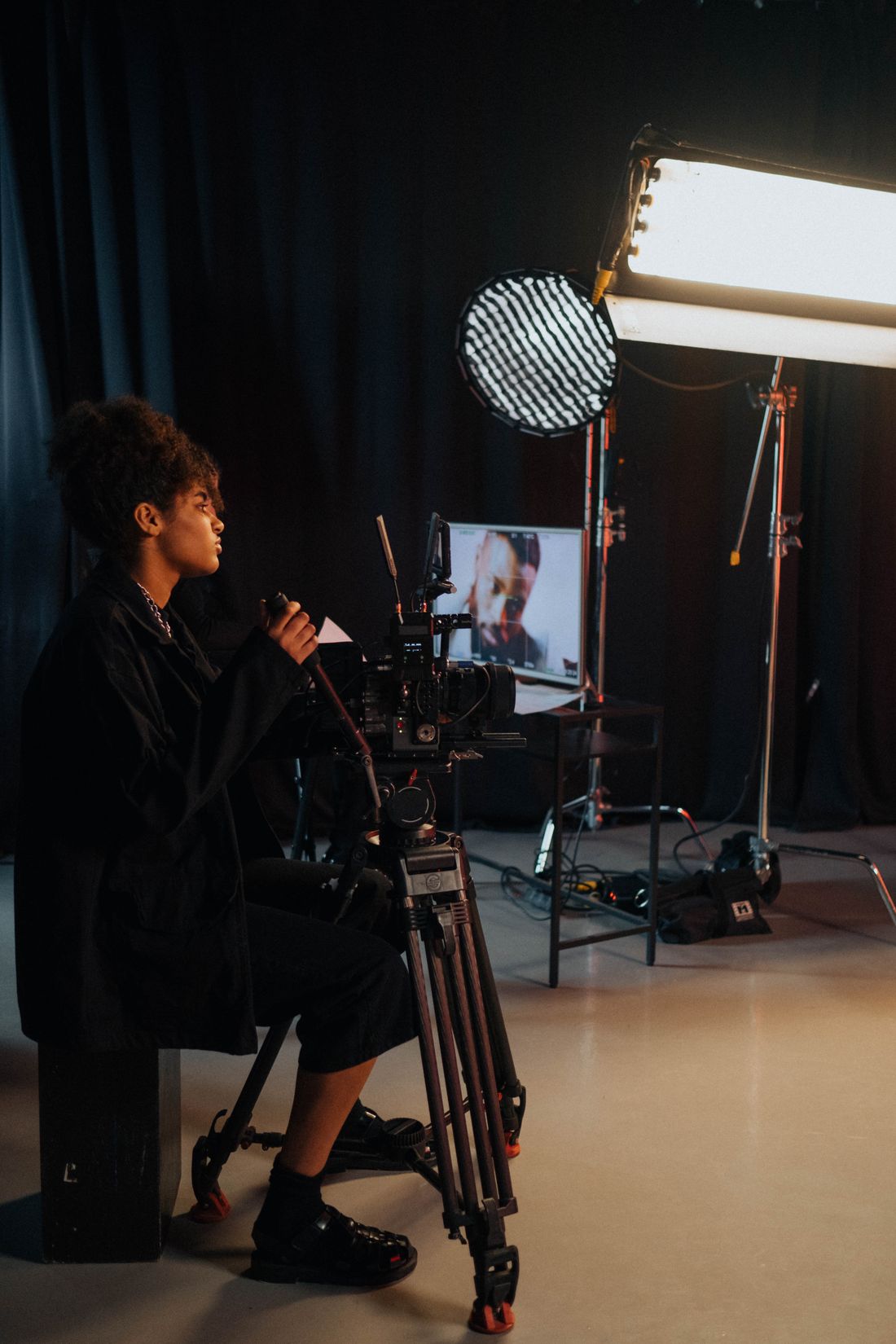
From a camera in the spare room to an arena full of lights — and the control room behind it.
Creators
Nail the take on the first try, straight to camera.
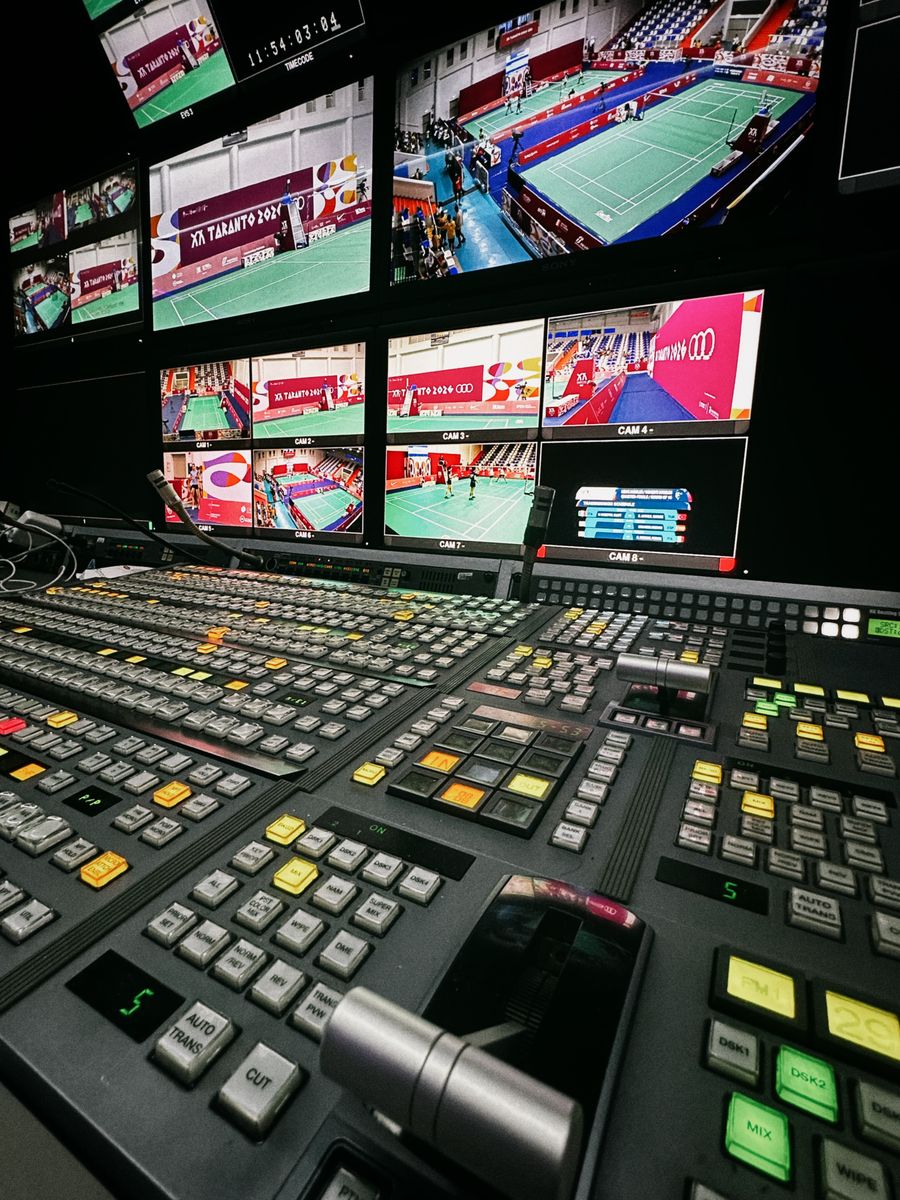
Newsrooms
Producers edit while the anchor reads. Live.
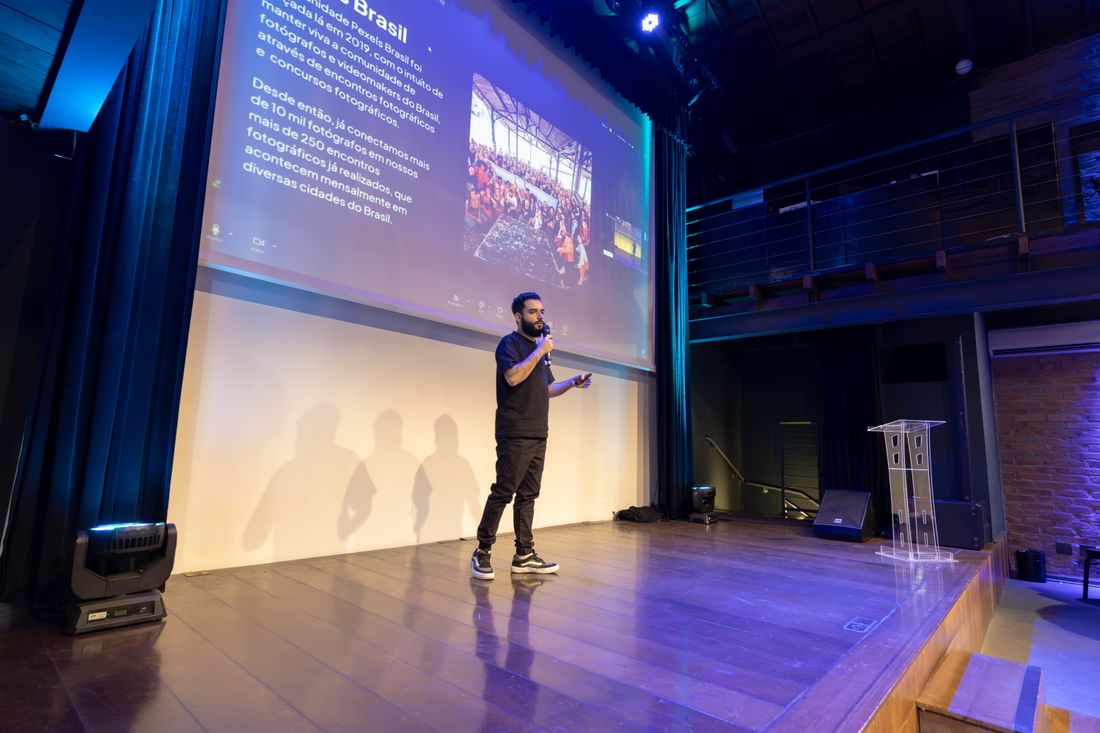
Keynotes
Confidence monitors in the front row, remote in hand.
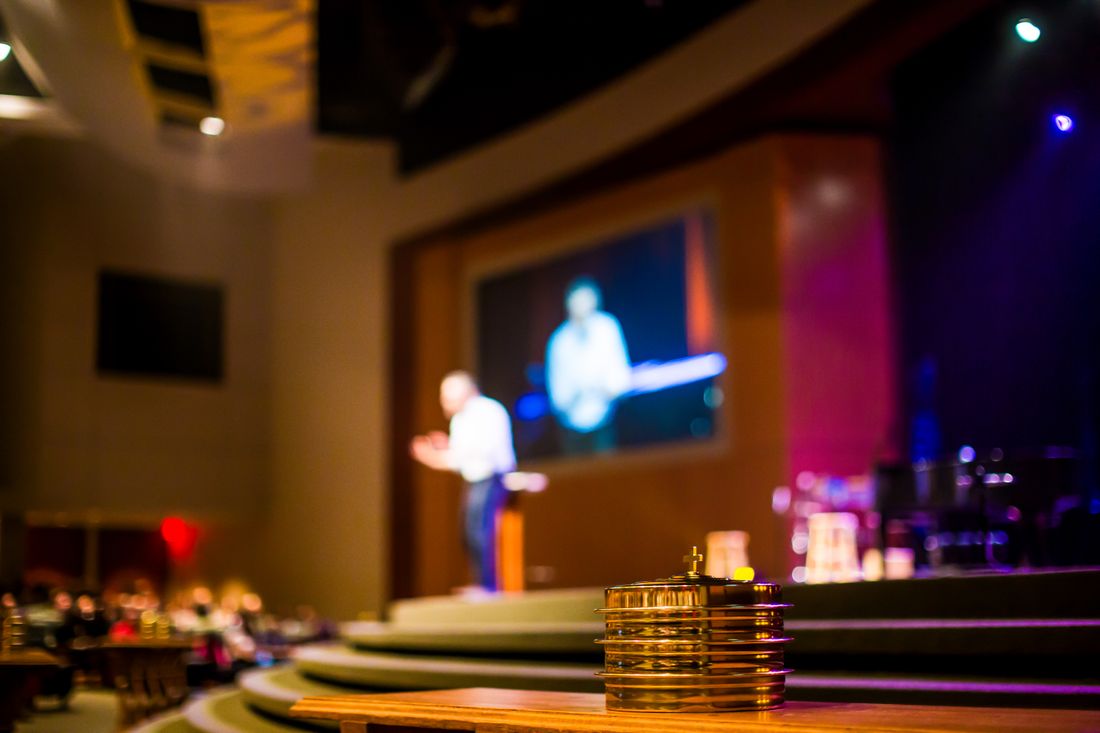
Houses of worship
Sermons and liturgy on any screen in the room.

Classrooms
Lectures and recordings that stay on track.
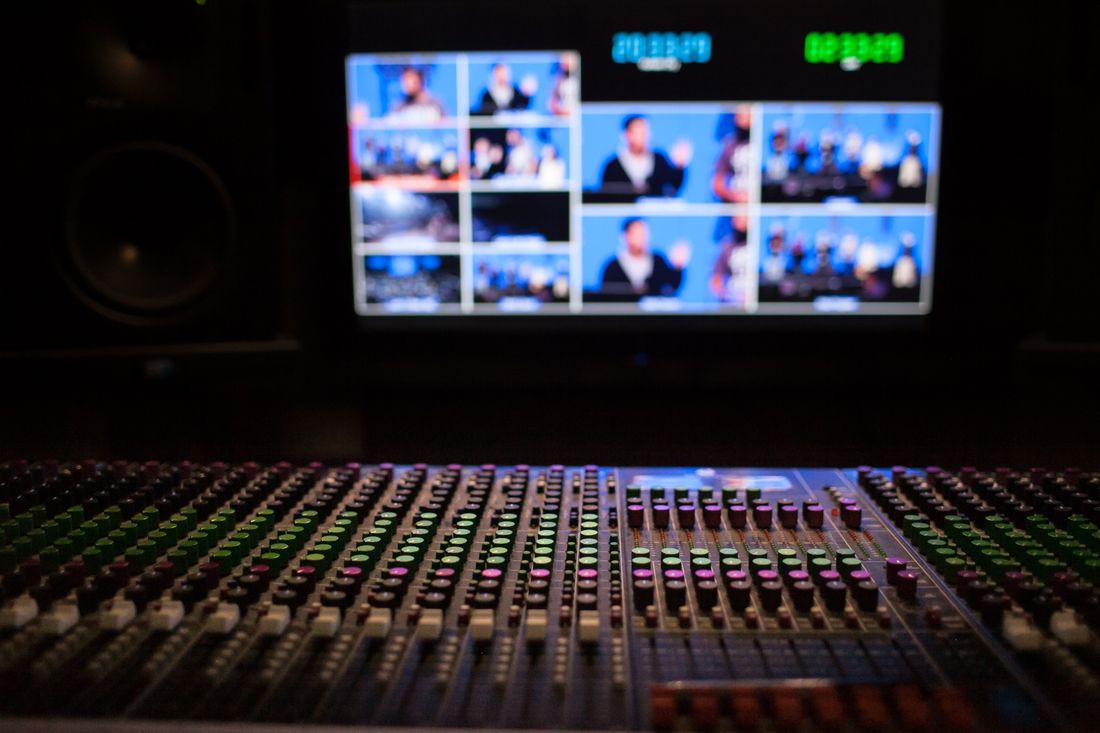
Live events
Run of show across every stage, in sync.
Why we built it
“We never wanted to build a teleprompter. Thirty years of bad ones left us no choice.”
Every one we tried was complicated, unreliable, or both — usually right when it mattered. So we built the one we’d always wished we had.
Technology
Engineered for the
moment you go live.
A prompter that freezes mid-sentence isn’t a prompter. Every screen stays in step over a live connection — and keeps going if the connection doesn’t.
- Liveedits, cursors and playback shared across every screen
- 4platforms — Mac, iPad, iPhone and the web
- Offlinerehearse and present anywhere; changes sync when you're back
Cloud sync
Scripts, folders and settings sync across your devices, and work offline until you reconnect.
Realtime engine
Edits and prompter state travel over a low-latency realtime service, so every screen stays in lockstep.
Native on Mac
The Mac app adds external display output, wireless streaming, media keys and a built-in Wi-Fi remote.
Your words, safe
Never lose a word.
Bring your scripts in with their formatting intact, and get any version back.
Bring everything with you
Import from Word, Google Docs, PDF and more — bold, colors and breaks come along. Paste keeps them too.
- Word
- Google Docs
- RTF
- Markdown
- Plain text
Version history
Every save is a snapshot. Compare drafts and restore any earlier version in a click.
- Now Final read-through
- 2:14 PM Sam tightened the open
- 11:02 AM Alex added the Q&A
- Yesterday First draft
Recently deleted
Deleted scripts wait 30 days before they're gone. Export everything, any time, in open formats.
Designed to keep
you in control.
Privacy
Your scripts are yours. Sign-ins use secure tokens stored in your device's keychain.
Accessibility
Large type, high-contrast colors and hands-free controls for every presenter.
Works with your gear
Beam-splitter rigs, confidence monitors, AirPlay displays, foot pedals and keyboards. No proprietary hardware.
Ready in seconds
Open a script and press play. Pair a phone as your remote by scanning a QR code — no app to install.
Compare
Everything they do.
And what they don't.
How Magic Teleprompt stacks up against the most popular prompters.
Included Limited Not offered or not advertised
Based on each app's public listings, pricing pages and user reviews, October 2026. Magic Teleprompt shows the full product described on this page.
Pricing
Free to prompt.
Pay when you scale.
No ads. No watermarks. No time limits — on any plan.
-
Free
For rehearsing and solo shoots.
$0forever
Start free in your browser- The full prompter and editor on Mac, iPad, iPhone and the web
- Unlimited scripts on your device
- Cue line, mirror, flip, speed and text size
- Keyboard, foot pedal and media-key control
- External displays, wired or AirPlay
- Works completely offline
- Import and export in open formats
-
Most popular
Pro
For creators and presenters.
$96per yearThat’s $8 a month
Try Pro free for 14 days- Everything in Free, plus:
- Cloud sync across all your devices
- Every device live, including Apple TV and Apple Watch
- Phone and web remote — scan a QR code to pair
- Voice follow, on your device
- Video-call mode, hidden from screen share
- Version history and saved looks
- Up to 3 guest editors on your scripts
-
Studio
For producers and live shows.
$240per yearThat’s $20 a month
Try Studio free for 14 days- Everything in Pro, plus:
- Control Console: run every screen from one place
- Rundowns, segments and producer cues
- Operator and talent screens, side by side
- Priority support
-
Team
For companies and crews. 3 seats included.
$240per seat / yearThat’s $20 a month
Start a free team trial- Everything in Studio for each seat, plus:
- A shared team library
- Everyone with a seat writes and edits together
- Add seats any time
- Admin: seats, members, roles and invoices
- Scripts stay with the team when someone leaves
- No card needed for trials
- We remind you before any trial ends
- Cancel in one click
- Your scripts are never held hostage
A seat is one person who writes and edits. Devices are unlimited and never use a seat. Guests who view, follow along or run the prompter are always free.
Schools, nonprofits and houses of worship save 50%. Prices in USD; taxes may apply.
Questions, answered.
Is it really free?
Yes. The Free plan is the full prompter — no ads, no watermark and no time limit. Pro and Studio add sync, remotes, voice follow and live-show tools when you need them. Team adds seats for everyone at your company.
How does voice follow work?
It listens on your device and scrolls as you read. Go off script and it holds your place until you're back on a line from the script. A tap, key or pedal always overrides it, and nothing you say is sent anywhere.
Can I bring my scripts from another app?
Yes. Import Word, Google Docs, PDF, RTF, Markdown or plain text — or just paste. Bold, colors and paragraph breaks come with it.
Will it work with my teleprompter rig?
If your rig holds a tablet or takes a monitor, yes. Mirror the text for beam-splitter glass, flip it for overhead setups, and send it to any display over HDMI or AirPlay.
What can I use as a remote?
Your phone (scan a QR code — nothing to install), a Bluetooth foot pedal, a keyboard or your Mac's media keys. Studio adds the Control Console, so a producer can run every screen at once.
Do I need an internet connection?
Not to prompt. Everything runs on your device, so a dropped connection never stops the show. Sync and live collaboration catch up as soon as you're back online.
Do I need an account?
Not for the Free plan on one device. You'll sign in to sync scripts, use a remote across devices, join a team or write with others.
What if I cancel?
Your scripts stay yours. You keep everything on your devices and drop back to the Free plan — nothing is locked away or deleted.
How do seats work?
A seat is one named person who writes and edits scripts. Free, Pro and Studio each have one seat. Team starts with 3 seats, and an admin can add more at any time. Added seats are prorated to your renewal date. Removed seats end at renewal on yearly billing, or at the next cycle on monthly billing.
Do guests pay?
No. Guests are free and unlimited. A guest can view a script, follow along or run the prompter on scripts you share. On Pro and Studio, you can also let up to 3 guests edit your scripts. On Team, everyone with a seat edits.
Where can I buy, and is tax included?
Pro and Studio are sold in the App Store everywhere it's available, with Apple's local price and tax. On the web, Pro, Studio and Team are sold in the United States and Canada, in US dollars, and any sales tax is added at checkout.
Do I pay for each device?
No. Your plan works on all your devices: Mac, iPad, iPhone, Apple TV, Apple Watch and the web. Devices never use a seat.
I already pay through the App Store. Can I join a team?
Yes. Accept the invite and sign in with the same account. An App Store Studio subscription counts as your seat in the team, so your company does not pay for that seat. An App Store Pro subscription does not count as a seat; your team gives you a seat instead. To stop paying twice, cancel in your App Store settings. Only you can do that.
Windows or Android?
Use the web app in any modern browser — it's the same prompter. Your phone can still be the remote.
Get Magic Teleprompt.
On every screen you present from. The web app is ready now; the Apple apps are on their way.
-
Mac
The full studio: external displays (wired or AirPlay), media keys and the Wi-Fi remote.
-
iPad & iPhone
Prompt from a tablet on the rig, or turn your phone into the remote.
-
Web
Open Magic Teleprompt in any modern browser. Nothing to install.
Open in browser
Be first to know.
The apps for Mac, iPhone, iPad, Apple TV and Apple Watch are coming soon to the App Store. Leave your email and we’ll send you one note when they’re out.
One launch email, then we’re done. Unsubscribe any time. Privacy Policy